Do I need an account?
No. There is no sign-up and no login. Open the app and go.
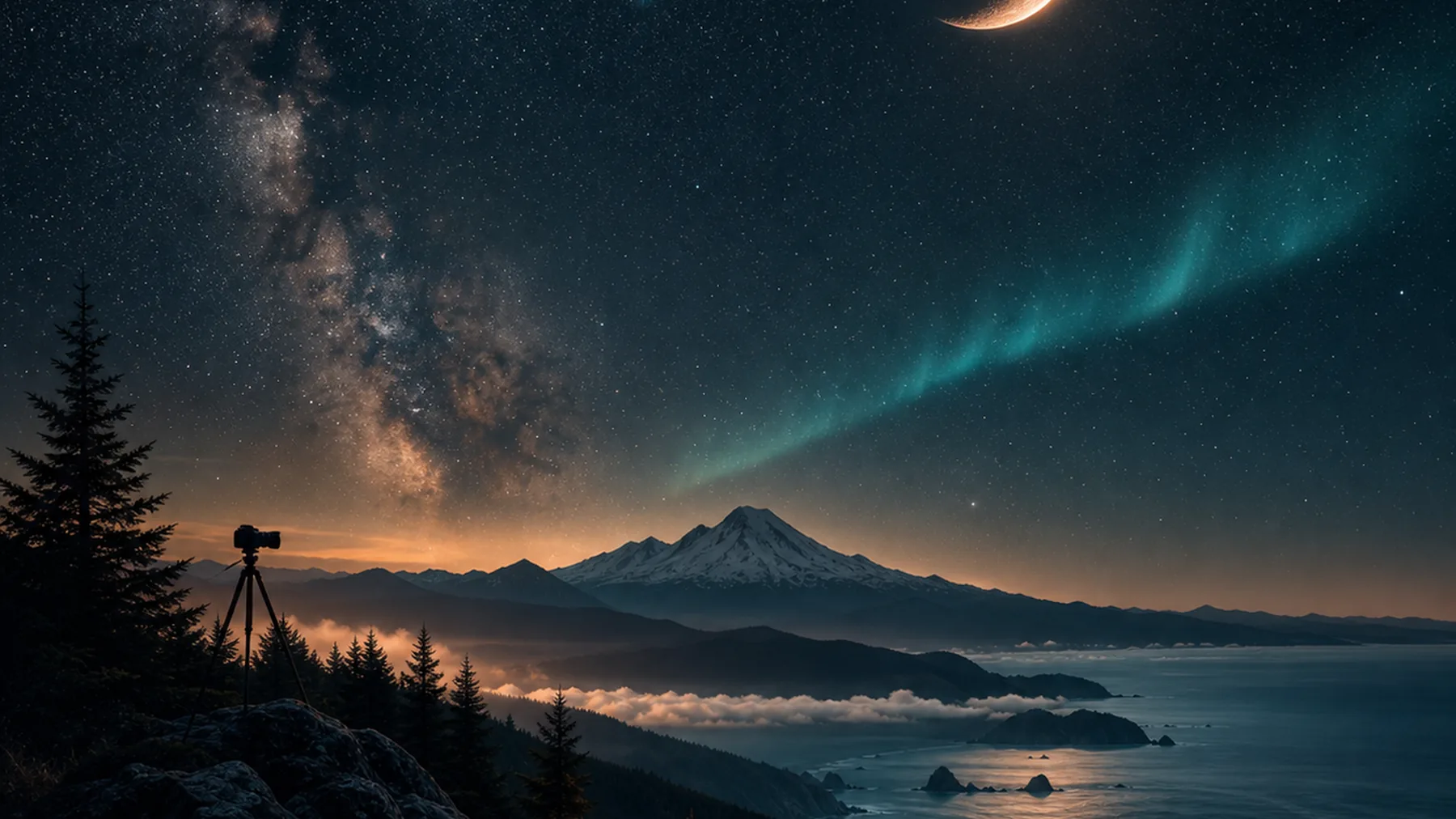

Night-sky and landscape field guidance for photographers who chase rare light.
Shutter Scout is designed for the moment before you leave: one read for sky quality, moonlight, weather pressure, aurora potential, and the best window to work.
Shutter Scout is built as a quiet field companion: quick enough to check before a drive, detailed enough to help plan a night under the sky.
Shutter Scout is your night-sky photography field guide: tonight's Milky Way window, moon, weather, tides, and aurora odds for your spot, with an on-device guide that talks you through the shot.
Questions, bugs, or feature ideas? Email support@shutterscout.com. We read everything and usually reply within a couple of days.
No. There is no sign-up and no login. Open the app and go.
Yes. The astronomy math runs entirely on your device. Live weather, tides, and aurora forecasts need a connection to refresh, but everything else works without one.
On your iPhone. The chat and field-guide writing are generated on-device, so your conversations never leave your phone. You can optionally download a larger language model for richer answers.
Only to find photo spots near you and to pull the right weather, tide, and aurora forecasts. You can also search any location by name. See the Privacy Policy for details.
Open the Card or Field Guide tab and tap Save to Photos to drop the image into your camera roll, or Share to send it anywhere.
A full-screen dim red overlay that protects your night vision in the field. You can launch it from the app, add a Home Screen or Lock Screen shortcut, or ask Siri for it.
Live data comes from public NOAA services and can occasionally hiccup. Pull to refresh, or check your connection.